
Those Who Swift - Issue 244
Your weekly dose of Swift!
Weekly note ✏️
This week’s announcement from the Linux Foundation about the new Agentic AI Foundation nicely contrasts with the recently unveiled White House “Genesis Mission”.
While Genesis is a top-down, government-driven effort focused on national infrastructure—data centers, energy grids, and large-scale scientific computation—the Linux Foundation approach is bottom-up. It’s about open standards, shared protocols, and practical building blocks that developers and companies can adopt today.
The Agentic AI Foundation aims to make autonomous AI agents interoperable and portable, rather than locked into proprietary platforms. Instead of massive centralized systems, it promotes collaboration through open governance, community-driven tools, and shared context protocols. This feels closer to how Linux itself reshaped infrastructure: quietly, gradually, but everywhere.
Together, these two initiatives show the split paths AI is taking—one driven by national strategy and infrastructure, the other by open ecosystems and developer needs. Different scales, different goals, but both point to the same direction: AI is no longer just a feature, it’s becoming foundational.
This may feel distant from mobile dev life now, but history shows infrastructure shifts eventually ripple downward. Agentic AI may influence tooling, backend automation, or cross-platform utilities — affecting how we build apps in a few years. It’s worth keeping a close eye on AAIF, because this might be one of those “before everyone else noticed” moments.
Connect with the "Those Who Swift" team - Justas Markus & Anton Gubarenko 👋
Sponsor 🤝
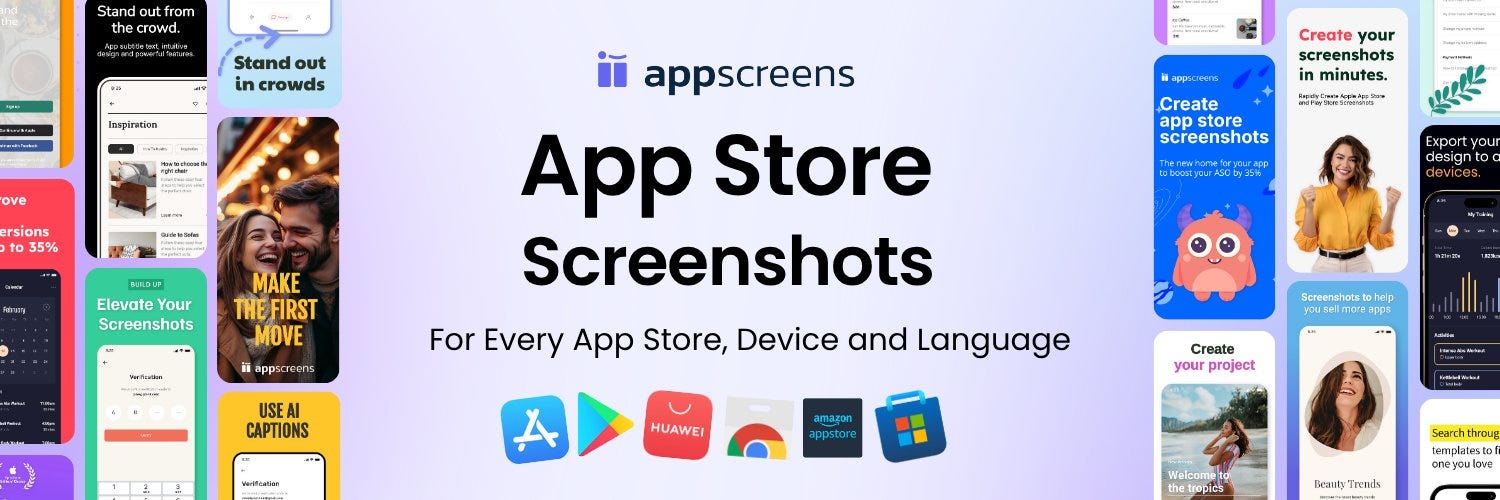
Create App Store Screenshots in Minutes
AppScreens is an App Store screenshot generator, built to help app developers release their iOS app with professional App Store screenshots.
Create one responsive design, then instantly generate iPhone and iPad screenshots for every language. One-click upload to App Store Connect means no manual resizing, no messy exports, and faster releases.
Swift Around the Web 🌐
What to Fix in AI-Generated Swift Code
This article by Paul Hudson walks through common pitfalls when using AI to generate Swift — covering issues like force-unwrapped optionals, missing error handling, poor code structure, and API misuse — and shows how to review and fix them for production-ready code.
What Settings Should You Use for Swift Concurrency?
The post outlines recommended project settings for Swift 6 to enable full concurrency support — including enabling Strict Concurrency Checking, using Swift 6 language mode, and opting into upcoming concurrency features for maximum safety and performance.
Coding 👨💻
Journey to Swift 6 and Strict Concurrency
Irving Popovetsky recounts migrating a real iOS app to Swift 6, showing how strict concurrency exposed hidden data races and required careful, phased refactoring. The result is a safer, more predictable codebase—with lessons on actors, @MainActor, callbacks, and real-device testing.
Monitoring App Performance with MetricKit
Majid Jabrayilov shows how to use Apple’s MetricKit framework to gather real-world telemetry—like CPU usage, memory spikes, and hang stats—from actual users. This enables you to identify worst-case performance issues and proactively fix problems you might never catch in testing.
Apple 🍏
New Requirements for Social Media Apps in Australia
Starting December 10, 2025, Australian law requires social-media apps to block users under 16 from creating accounts (or deactivate existing ones). Developers targeting Australia must adopt age-verification and parental-consent flows, and can use Apple’s Declared Age Range API to adjust app behaviour accordingly.
Design 🎨
Designing With People: Creating Applications for Reality
This article argues for building apps grounded in real human needs and contexts — focusing on empathy, usability, and meaningful impact rather than features-for-features’ sake. It emphasizes designing with people, not just designing for them.
Other cool stuff 🧰
Which Indie Developers Should I Follow?
In the latest issue of the Indie App Devs newsletter I curated a list of indie developers that every developer should follow. We have ASO experts, iOS instructors, and many more. Take a look, maybe you will find some new faces.
watchOS Development Pitfalls and Practical Tips
This post outlines common pitfalls when building for watchOS—such as performance, UI limitations, and background tasks—and offers practical tips to avoid them and make your watchOS apps smoother and more reliable.
SwiftUI Charts Interactivity — Part 2
Tutorial explores how to add interactivity to charts in SwiftUI, including handling taps, gestures, and dynamic updates to make data visualizations more engaging and user-friendly and with interpolation in this part.
AI 🤖
Devstral 2 & Mistral Vibe CLI Released
Mistral AI launched Devstral 2 — a powerful 123B-parameter open-source coding model (and a 24B “Small” variant) — alongside Mistral Vibe CLI, a new command-line tool for AI-driven “vibe-coding.”
Tutorials 📒
SwiftUI: Supporting Apple Pay
This guide walks you through enabling Apple Pay in a SwiftUI app — setting up merchant IDs and certificates, configuring Xcode, creating PKPaymentRequests, adding a PayWithApplePayButton, and handling payment authorization — including common pitfalls and how to avoid them.
Freebies 👛
SwiftUI Book — Big Mountain Studio
Big Mountain Studio offers a free “SwiftUI Views Quick Start” picture-book: a visual, example-rich guide with 200+ pages and 150+ screenshots to help you learn and reference SwiftUI fast — ideal for beginners and those who prefer learning by sight over dense code.
Video 🎥
Finishing the Rich Notes App in SwiftUI
The final video in the Rich Notes series by Stewart Lynch adds categories, sorting, and filtering to a SwiftUI + SwiftData notes app—along with UI improvements like a line-limit slider, timestamps, and category colors. By the end, you’ll have a complete, fully customizable rich notes experience.
Thanks for reading Those Who Swift! Subscribe for free to receive new posts.